
To troubleshoot rob run stuck on loading screen, check your internet connection, restart the game and Steam, update your graphics driver, and verify the game files. If an error code appears, use its specific instructions below to choose the relevant connection, update, authentication, or asset-loading checks. The official guidance separates these problems, so a fix listed for one code should not be treated as a diagnosis for every loading screen.
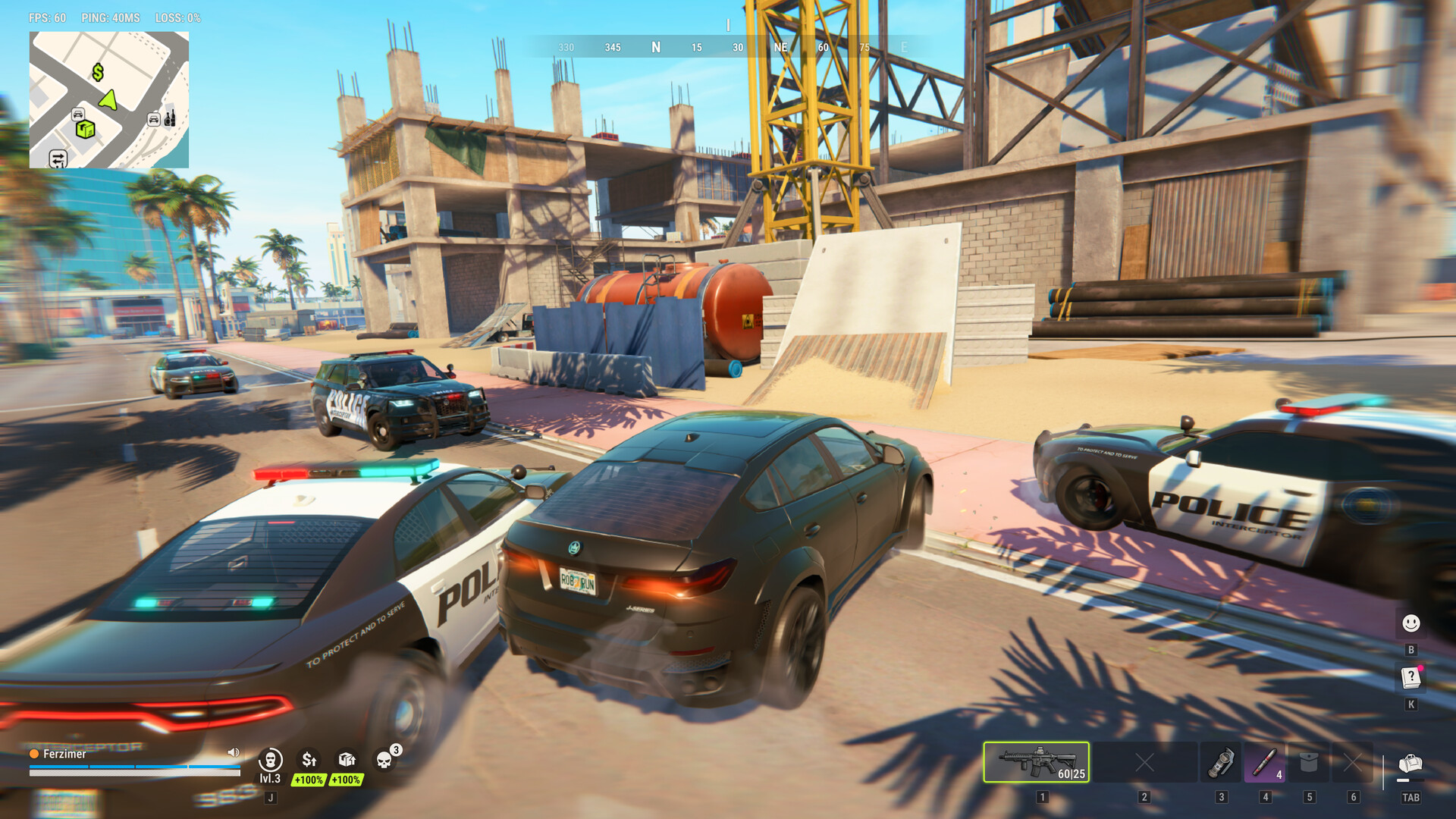
Start with the official loading and freezing checks
ROB RUN's general guidance for a game that will not load or keeps freezing begins with your internet connection and a restart of both the game and Steam. It also recommends updating your graphics driver and checking the installation through Steam. To run that file check, open the game's Properties, select Installed Files, and choose Verify integrity of game files; this same procedure appears in several of the error-specific solutions.
Read any error window for the complete code, including its final digits, and keep the message text if you need to report it. Check whether the problem occurs before the game finishes starting, after a session has already begun, or alongside a crash. These details help you use the relevant instructions: the help center has separate guidance for downloading startup data, losing a connection during play, and reporting persistent crashes.
Check network errors E-0101, E-0110, and E-0102
E-0101 and E-0110 mean the game cannot reach the server to download configuration or startup data. For either code, the official solution begins with checking your internet connection. Confirm that websites load correctly as part of that connection check.
E-0102 means downloaded data contains errors or was blocked before reaching your PC, with guest networks and antivirus or firewall interference listed as common conditions. The official options are to switch to a home network without an authorization page, disable a proxy, or temporarily pause HTTPS scanning in your antivirus settings. The guest-network examples include hotels, cafes, and public Wi-Fi; the HTTPS-scanning instruction is a temporary change specifically listed for E-0102.
Match asset and version errors to their fixes
E-0124 identifies an internal problem in the game's asset-loading system. Its official remedy is to verify the game files through the game's Properties in Steam. In the Properties window, select Installed Files and choose Verify integrity of game files.
E-0301 and E-0302 indicate that your game version is outdated. The official update sequence starts with closing the game and restarting Steam. Update ROB RUN after restarting Steam to complete the steps listed for these version errors.
E-0303 and E-0304 mean downloaded game data is corrupted or does not match the current version. For these codes, the official instructions are to wait 10–15 minutes, disable a proxy, verify the files through Steam Properties, and update the game. That waiting period applies to these two errors; it is not an official maximum loading time or a rule that every stalled startup needs the same delay.
Resolve Steam authentication and launch errors
E-0401 means Steam account authentication failed, and its checks concern your Steam session. Make sure Steam is running in online mode and that you are signed into the correct account. Once you have checked the online mode and account, restart Steam and the game as directed by the help center.
E-0405 means Steam is not responding or antivirus software has blocked a game system library. The official response is to check the antivirus quarantine, launch Steam, and verify the game files. Launch ROB RUN directly from your Steam library afterward, as specified in the instructions for this error.
Handle Epic Online Services and Easy Anti-Cheat errors
E-0403 and E-0404 are authorization problems involving Epic Online Services. The help center directs you to verify files through Steam, add the game to your antivirus exceptions, and restart your PC. Although the error names Epic Online Services, the documented file check still uses Steam; it does not instruct you to switch to the Epic launcher.
ROB RUN uses Easy Anti-Cheat, and E-0501 or E-0502 means it is not running, is corrupted, or is blocked by third-party software. The official troubleshooting steps include launching the game exclusively through Steam and verifying file integrity through Steam Properties. Restarting your PC is also included in the official instructions for these Easy Anti-Cheat errors.
Compare your PC with the published requirements
Both the minimum and recommended configurations require a 64-bit version of Windows 10 or newer, DirectX 11, and an internet connection. The published storage requirement is 20 GB of available space for either configuration. These shared requirements describe the operating environment for ROB RUN, while the processor, memory, and graphics specifications below differ between the minimum and recommended configurations.
The minimum configuration lists an Intel i5-6600K or Ryzen 5 1600 processor. It requires 12 GB of RAM. The listed minimum graphics options are a GTX 1050 Ti, RX 580, or Arc A380.
The recommended configuration lists an Intel i5-9600K or Ryzen 5 3600 and 16 GB of RAM. Its graphics options are an RTX 2070, RX 5700 XT, or Arc B570. Keep the minimum and recommended lists distinct: the recommended hardware is not the minimum requirement, and meeting either published configuration does not by itself identify or resolve the cause of a particular loading failure.
Separate startup failures from disconnects and crashes
E-0201 applies when the game was already running, lost its server connection, and could not restore it. The official solution is to check your connection and restart the game. If the problem began during play, that description is relevant, but this code should not be presented as a confirmed explanation for a game that never completed its first startup.
When the loading problem is accompanied by a crash, the official crash guidance recommends closing unused applications and restarting your PC. If crashes continue, send support your PC specifications, a description of the crash, and the error-message text. These instructions retain their crash condition: they do not establish that background applications cause every loading stall or that restarting the PC guarantees a fix.
Report a persistent error with its exact message
E-0904 is an unexpected internal in-game error, for which the official first step is restarting the game. If it persists, copy the text from the error window and send it to support; the official help center provides an email support entry. ROB RUN also has Steam discussion boards explicitly offered for bug reports and feedback, giving you a documented place to report a continuing problem without guessing its technical cause.